TrexLuke64
157.85.91.32:24049Up, checked 9m agoMonitored since 23 Sep 2026
Health checks
from the latest readings- ReachableOn the Steam server list, checked 9m agoPassing
- Capacity0% of 40 slots in usePassing
- Queuenobody waitingPassing
- Performancerunning at 240 fpsPassing
- Fresh mapwiped 15d agoPassing
- Next wipenot predictable yetNo data
Activity
players each hour, last 48- Group limit
- 8, the default
- Wipe schedule
- not published
- Map
- Procedural Map · 1500
Similar servers
The same kind of game, then region, group limit, rate and wipes.
- 1Rusty Moose |EU Monthly|EU · groups of 12+ · monthly · 522 on average410 / 500
- 2Rustoria.co - EU East LongEU · groups of 12+ · monthly · 517 on average447 / 550
- 3Rustoria.co - EU LongEU · groups of 14+ · monthly · 516 on average411 / 500
- 4Rusty Moose |US Monthly|NA · groups of 12+ · monthly · 452 on average361 / 350
- 5Magic Rust — Long | Kлaccикa x1 | PyccкийEU · groups of 150+ · 1x · monthly · 433 on average342 / 430
- 6Rustoria.co - EU East MediumEU · groups of 12+ · biweekly · 375 on average208 / 300
Players
Every five minutes, from the Steam server list.
Hourly average and peak, UTC.
Daily average and peak, UTC.
Rank
daily · 1 is bestTop 69% of all ranked servers. Ranked on player hours over the last seven days.
Performance
48 hours: hourly readings. 30 to 90 days: a point a day, measured since 23 Sep. Low fps and a climbing entity count mean lag.
Wipe calendar
0 days with a wipe in the last 16 weeksNot enough wipes seen yet to tell. Every server wipes at the monthly force wipe.
- No wipe seen yet.
- Address
- 157.85.91.32:24049
- Region
- –
- Max players
- 40
- Group limit
- 8, the default
- Wipe schedule
- –
- Last wipe
- 23 Sep 2026, 20:58 UTC
- Hostname
- –
- First seen
- 23 Sep 2026
Server tags
What each tag it publishes means. Published as mp40,ptrak,$r?,v2633,gmrust,cs165217,ts8.
gmrustGame mode The game mode is standard Rust survival.mp40Max players The slot count is 40.ts8Group limit Teams are capped at 8, which is the game default.v2633Protocol To join, your game needs to run protocol 2633.cs165217Build The game build is 165217.ptrakNetworking The network layer is RakNet, the game's standard.$r?Region code Region code: not set.Flag meanings are Facepunch's.
Player data
What position does TrexLuke64 hold?
For player hours over seven days, TrexLuke64 holds rank #16,019, in the top 69% of all ranked servers.
How many players are on TrexLuke64?
With 40 slots, TrexLuke64 holds 0 players at present. Averaged across the last seven days, the player count is 0.
Map and rules
What is the map on TrexLuke64?
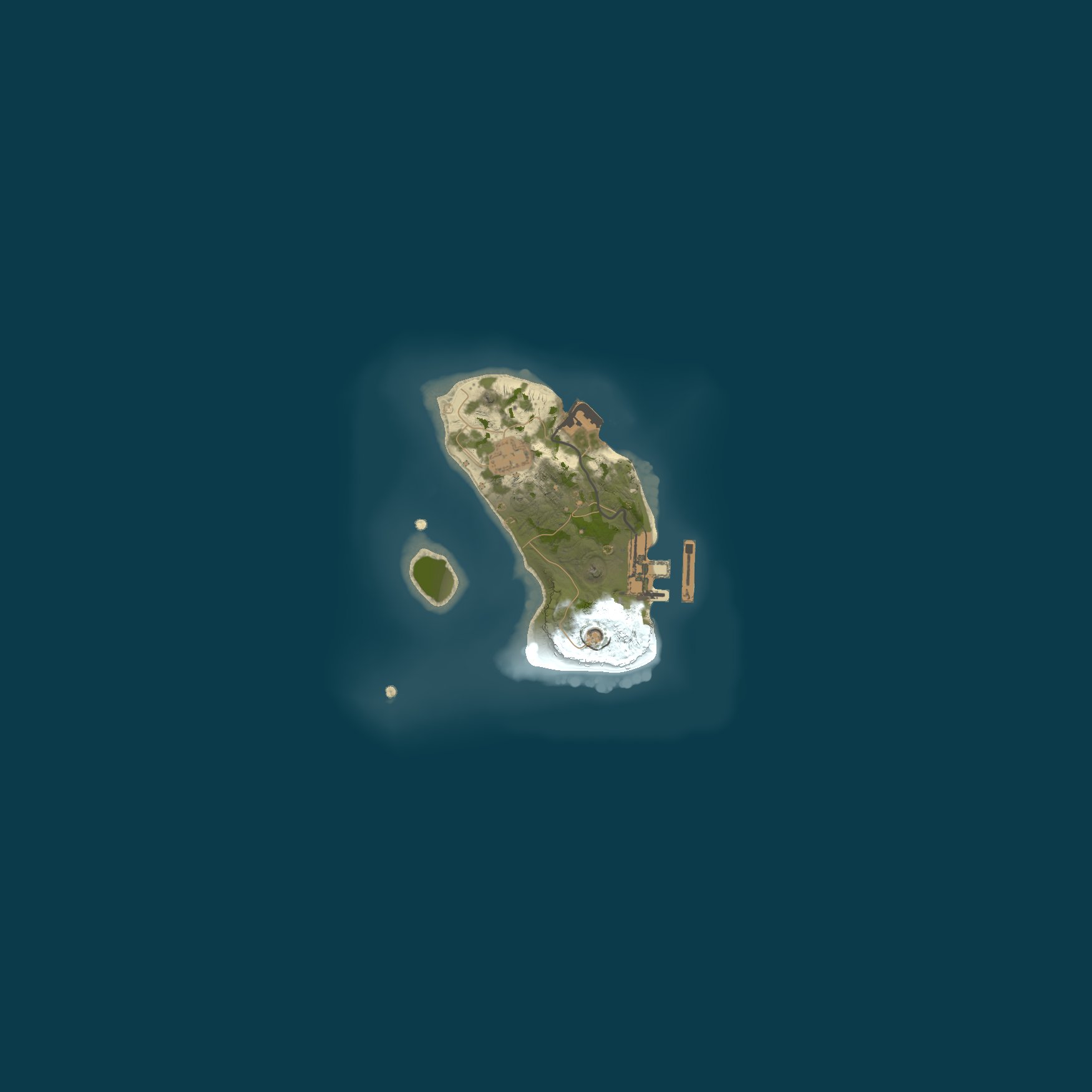
TrexLuke64 uses a procedural map of size 1,500 with seed 50000, generated by the game. Because size and seed determine the map, a RustMaps view is available from this page.
What are the settings and rules for TrexLuke64?
No gather rate appears in the name of TrexLuke64. The game's default applies: no more than 8 players per group. survival is the mode, gather, build and raid: the standard game. Raiding and player-versus-player fighting are enabled. The server browser lists it under Community. VAC by Valve is on.
Wipe information
When does TrexLuke64 wipe?
The record holds too few wipes from TrexLuke64 to show its rhythm. The next force wipe is on Thursday 5 November at 19:00 UTC, and it applies to every Rust server. 15 days is the age of the current world.
Tags and filters
What is the meaning of the tags on TrexLuke64?
These tags are published by TrexLuke64 and read by the game's server browser: gmrust (Game mode): The game mode is standard Rust survival; mp40 (Max players): The slot count is 40; ts8 (Group limit): Teams are capped at 8, which is the game default; v2633 (Protocol): To join, your game needs to run protocol 2633; cs165217 (Build): The game build is 165217; ptrak (Networking): The network layer is RakNet, the game's standard; $r? (Region code): Region code: not set. At the top of this page you will find its current players, its queue and the making of its world, all from the tags.
What lists and filters on Best Rust Servers hold TrexLuke64?
These Best Rust Servers lists include TrexLuke64: Community servers, no training or build tags. Filter entries for this server: Type: Community (not modded, not official) and No plugins at all; Group limit: 5 or more.
About the server
What is the Rust version on TrexLuke64?
Rust network protocol 2633 and build 165217 on Linux is what TrexLuke64 runs. Your game needs the same protocol to connect, and Steam updates it automatically.
What is the location of the server TrexLuke64?
For TrexLuke64, no region is published. Where a server says it is, that is what Best Rust Servers shows; it does not look up the machine's location. You can reach it at 157.85.91.32:24049.
How well does TrexLuke64 perform?
Average server fps over the past 48 hours was 237, and it never dropped below 225. The world contained up to 8,291 entities, such as buildings, deployables and other items. Memory peaked at 1,868 MB. Low fps and a growing entity count are the sources of lag for players.
How reliable is TrexLuke64 and is it online?
TrexLuke64 is online at the moment. It reports an uptime that puts the last restart at around 11 days 19 hours ago. 100% uptime for the last 7 full days: 168 of 168 hours. Best Rust Servers recorded its first appearance on 23 September 2026.
Join the server
How do you connect to TrexLuke64?
Enter client.connect 157.85.91.32:24049 in the console after pressing F1 in Rust. Or use Launch Rust on this page, which opens Rust via Steam and connects.